

Images
- Smart segmentation, label by example and text prompts
- Live Training for boxes and masks
- Pre-labels from your own models
Smart segmentation, labels from a text prompt or one example, pre-labels from your own models and tracking, in every labeling tool. Your team reviews labels instead of drawing them.
Different objects call for different help. The labeling tools put several AI assistants one click away, and every result stays an ordinary label your team can edit.
Box an object and get a precise mask, then refine the edge with a few clicks. It works on objects the model has never seen.
Box one object and the assistant finds and segments every similar one in the image or video frame, from products on a shelf to cells under a microscope.
Name a class and foundation models such as Florence-2 and Grounding DINO label every match, with no training at all.
Live Training fine-tunes an object detection or segmentation model on your project as your team labels it. Each new image arrives pre-labeled, each correction makes the next prediction better, and the project ends with a trained model as well as a dataset.
Label as usual. After two to five images, or five to ten for masks, the model starts to predict, even for classes no public model knows.
Every next image opens with the model’s labels. Fix what it got wrong, and the fix becomes training data for the next update.
A quality score tracks how closely predictions match your final labels. Checkpoints land on the Experiments page, ready to deploy.
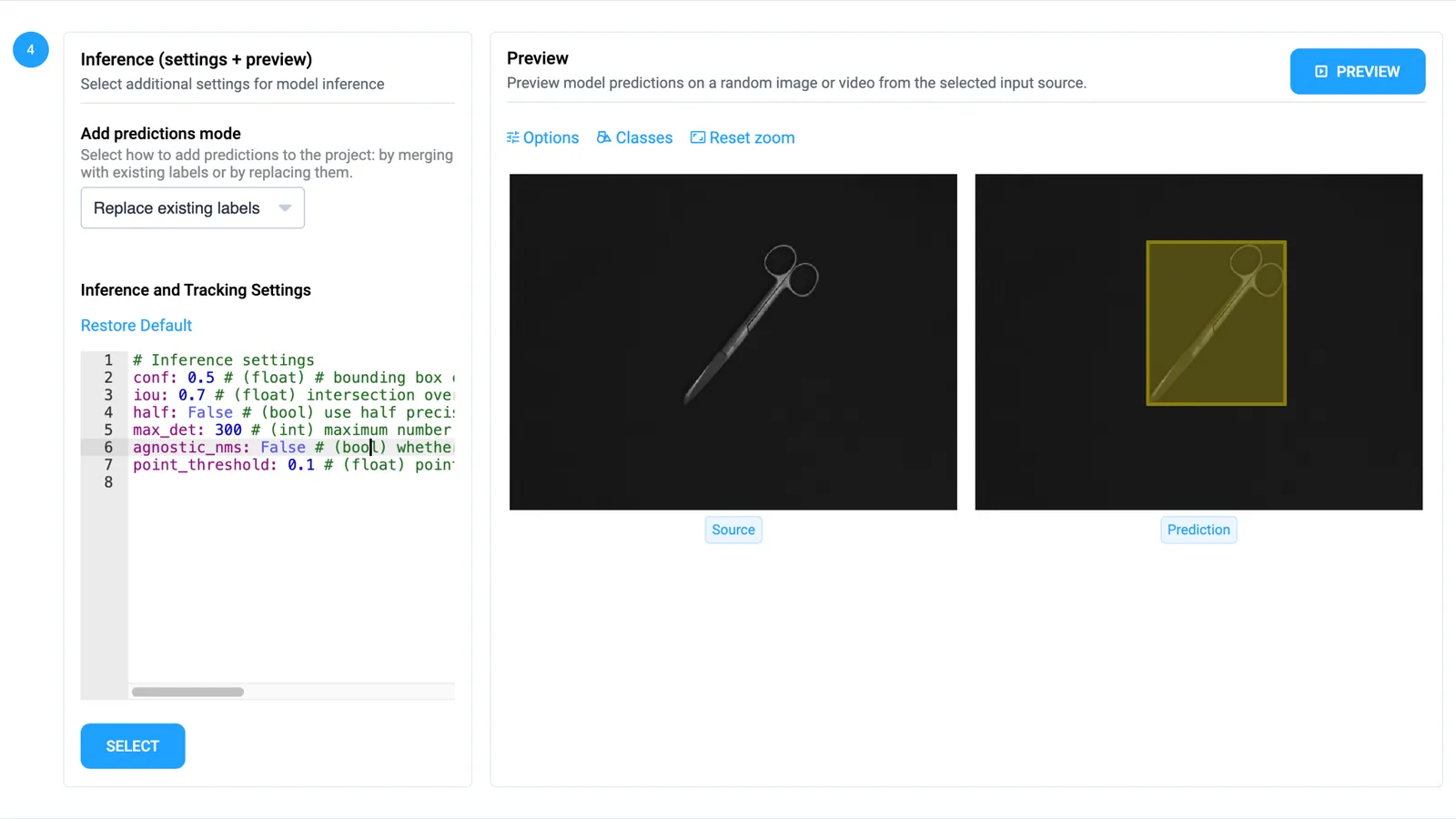
Run a model over a full project of images or videos before anyone opens it. Annotators start from the model’s labels and only fix what it missed.
Train a detector on the labels you already have, or fine-tune Segment Anything on your objects, and it pre-labels the next project for your team.
On videos, a detector labels every frame and a tracker links its boxes into tracks across the clip.
A detector can pass its boxes to Segment Anything for masks, to a pose model for keypoints or to a classifier for finer classes.
Masks on images, tracks in videos, cuboids in LiDAR point clouds and segmentations of medical volumes: each toolbox brings the assistants that fit its data.
It is the set of AI assistants built into the Supervisely labeling tools: smart segmentation from a box, labeling by example or from a text prompt, pre-labels from your own models, tracking in videos and point clouds, and Live Training, which learns from your labels as you work. People review and correct the results instead of drawing every label.
Live Training trains an object detection or segmentation model while your team labels a project. After a few labeled images it pre-labels each new one, learns from every correction, and saves its checkpoints on the Experiments page, so the model can be deployed when the project is done. See the Live Training quickstart.
Yes. Apply a model you trained in Supervisely, a pretrained model or a foundation model to a project or dataset of images or videos, check a preview, and save the predictions to a new project or to the source one. Read more about training and deploying models.
They can. Models run on GPU machines you connect to Supervisely as agents, in your cloud or on premises. On a self-hosted instance, administrators choose which models the labeling tools offer.
Yes. Community teams get smart segmentation that is already running, with 500 requests per day, and can connect a GPU machine of their own to run more models. Compare plans.